
This book just won an international award
producing graphs alongside results. In most cases, each page or two-page spread completes a JMP task, which maximizes the book’s utility as a reference.Continue reading “Jump to JMP- the best statistical GUI software as per Google Search” |
Tag: Google
Analyzing Conversations on Twitter
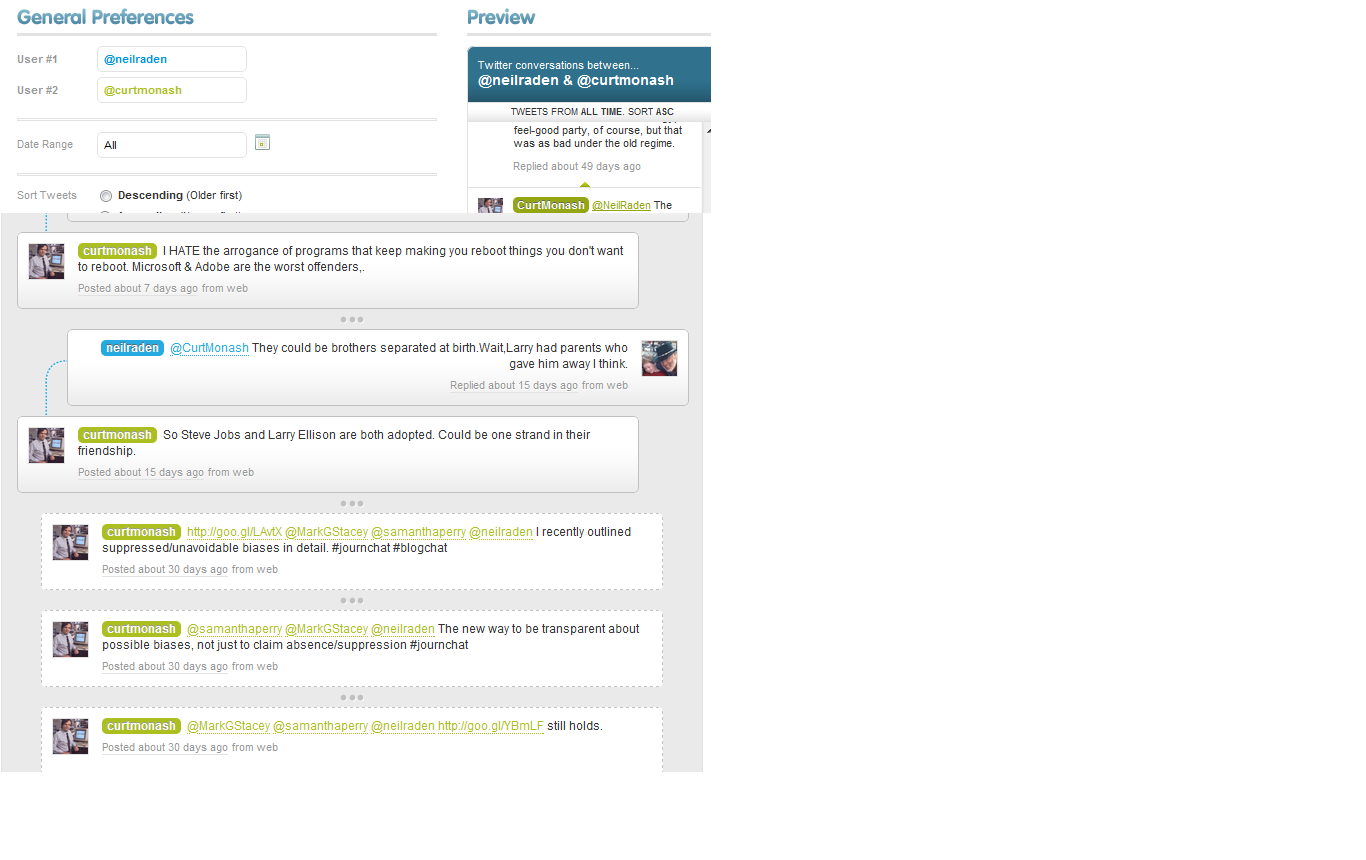
If you are a marketing , analyst relationship, public relationship or a product manager who uses or abuses social media, you sometimes need to track what influencers and analysts are saying. A tool called Bettween allows you to capture public conversations between two influential (or interesting) tweeps.
See conversations between Neil Raden http://www.beyeblogs.com/raden/ and Curt Monash http://www.dbms2.com/ two noted BI gurus
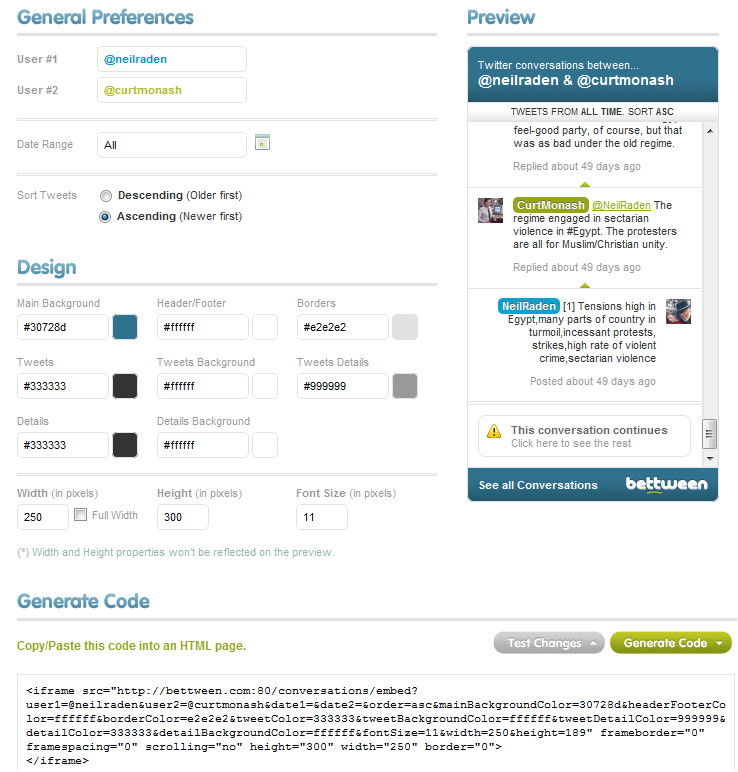
http://bettween.com/neilraden/curtmonash
- @NEILRADEN66
- @CURTMONASH61
- TOTAL MESSAGES127
- SHARE CONVERSATION
unless Google decides to license its Wave technology to Twitter for separate encrypted , or public tweets. 🙂 They do share some history and employees (cough cough) or Twitter waits to create or better its public /protected tweet mode to be more granular
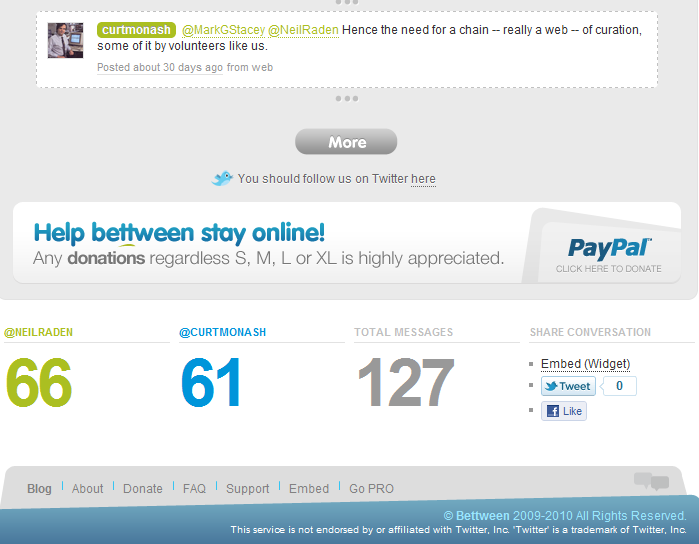 http://bettween.com/neilraden/curtmonash#statistics
tools to analyze Twitter conversations in R
tools to analyze Twitter conversations in SAS
Related Articles
- Is Twitter’s Business Model the “Firehose”? (twitterrati.com)
- [Insite] Twitter advanced research techniques 3: tracking #hashtags and archiving tweets (journalism.co.uk)
- Why Color May Be The Next Twitter (readwriteweb.com)
- The Tools We Use to Track Online Buzz (thenextweb.com)
Tips to Play Farmville Really Well
Here are some tips to play Farmville really well-

1) Keep your Farmville friends in a seperate friend list by creating a list at http://www.facebook.com/friends/edit/
This ensures friendship , work and Farmville dont mess around with each other. You also dont need a lot of friends in Farmville (max 40 actives) unlike Mafia Wars
2) Register at http://rewards.zynga.com/ to get free or double rewards by doing the same work. These rewards can be redeemed in-game
3) Set a time as well as money budget. Like $10 per month and 1 hour on weekends with 15 minutes on weekdays with max 3-4 logins. Continue reading “Tips to Play Farmville Really Well”
Google releases V1.2 of Google Prediction API

To join the preview group, go to the APIs Console and click the Prediction API slider to “ON,” and then sign up for a Google Storage account.
For the past several months, I have been member of a semi-public beta test/group/forum – that is headed by Travis Green of the Google Prediction API Team (not the hockey player). Basically in helping the Google guys more feedback on the feature list for model building via cloud computing. I couldn’t talk about it much , because it was all NDA hush hush.
Anyways- as of today the version 1.2 of Google Prediction API has been launched. What does this do to the ordinary Joe Modeler? Well it helps gives your models -thats right your plain vanilla logistic regression,arima, arimax, models an added ensemble option of using Google’s Machine Learning Continue reading “Google releases V1.2 of Google Prediction API”
Google unleashes Fusion Tables
I just discovered Fusion Tables. There is life beyond the amazing Jeff’s Amazon Ec2/s3 after all!
Check out http://www.google.com/fusiontables/public/tour/index.html
Gather, visualize and share data online
Don’t have a Google Account?
Create one now
- Visualize and publish your data as maps, timelines and charts
- Host your data tables online
- Combine data from multiple people

Google Fusion Tables is a modern data management and publishing web application that makes it easy
to host, manage, collaborate on, visualize, and publish data tables online.
What can I do with Google Fusion Tables?
Import your own data
Upload data tables from spreadsheets or CSV files, even KML. Developers can use the Fusion Tables API to insert, update, delete and query data programmatically. You can export your data as CSV or KML too.
Visualize it instantly
See the data on a map or as a chart immediately. Use filters for more selective visualizations.
Publish your visualization on other web properties
Now that you’ve got that nice map or chart of your data, you can embed it in a web page or blog post. Or send a link by email or IM. It will always display the latest data values from your table and helps you communicate your story more easily.
Look at the Fusion Tables Example Gallery
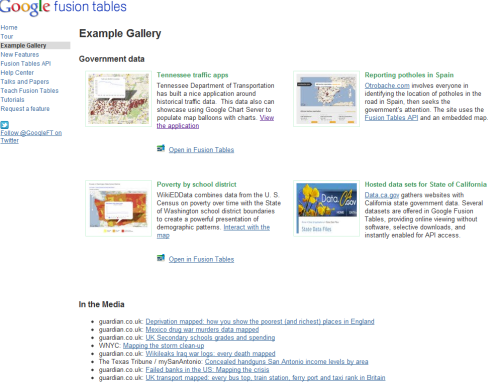
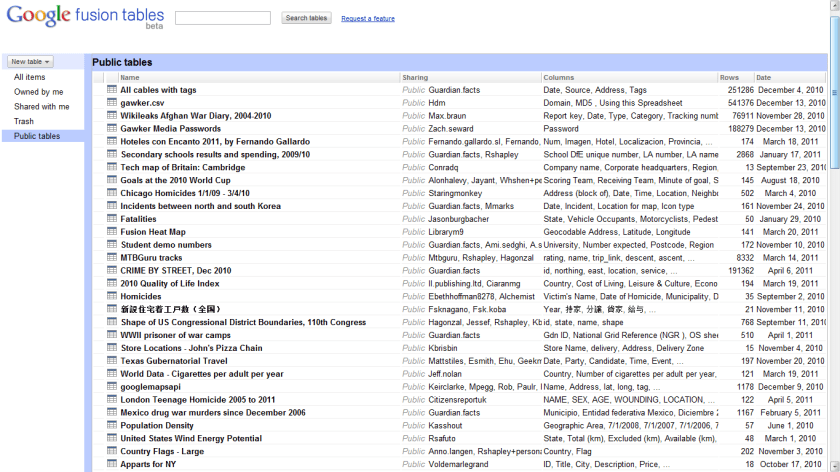
If you are worried about data.gov closing down, heres a snapshot of Fusion Table Public datasets.
Google creates a Code Jam
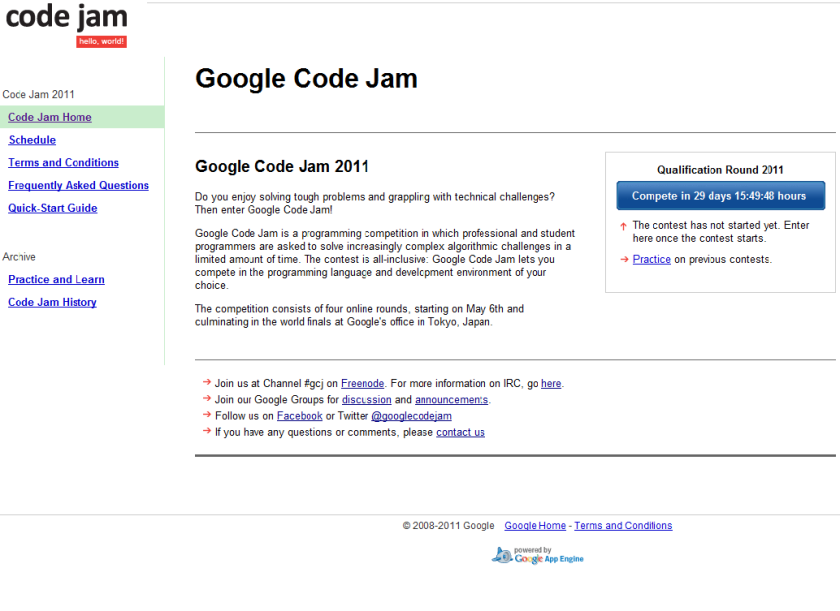
So you think you can code- here is a contest for All – programmers AND students AND professionals
Check the enthralling competition yourself at https://code.google.com/codejam
 DECISION STATS