
Tag: Analytics
Protected: SAS Institute lawsuit against WPS Episode 2 The Clone Wars

Browser Based Model Creation
Here are some fabulous applications at http://yeroon.net – if you are in the field of data and / or analytics you should try and dekko this site- it is created by UCLA’s department of statistics.
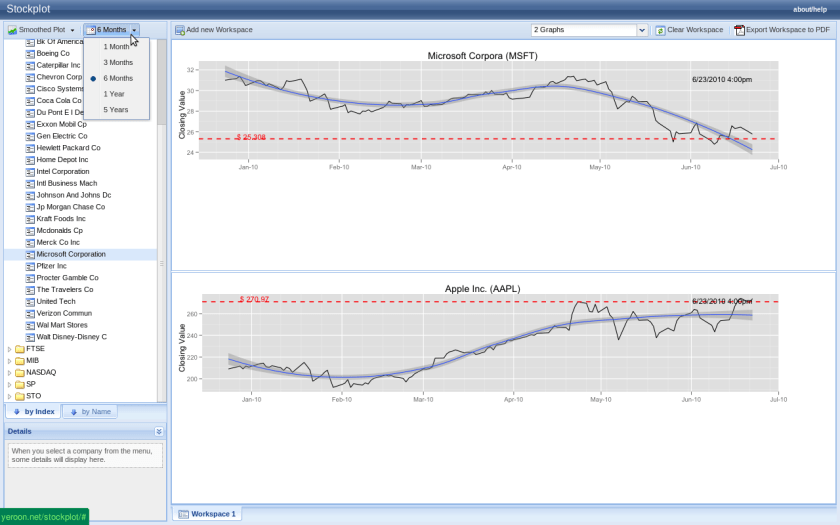
You can create stockplots ( something similar to based to Yahoo and Google finance which I have covered earlier)
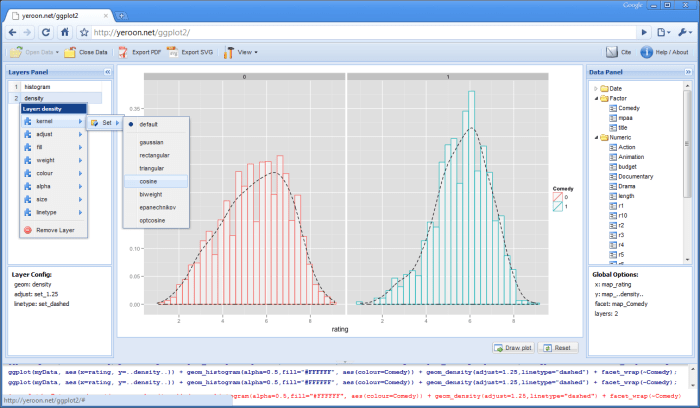
 or create ggplot visualizations
or create a linear model
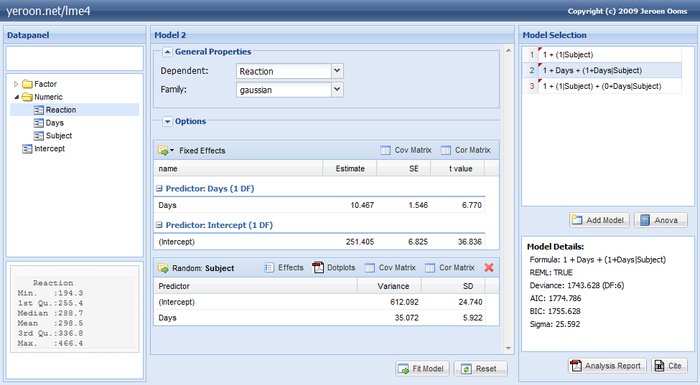
Just using a browser to upload the dataset and thats all the hard/soft ware you need .
Note the background uses R. It would be interesting if companies like Revolution R, SAS and SPSS can do in this browser based computing ( maybe charge like Amazon Ec2 apis)
Kudos and credits to http://www.stat.ucla.edu/~jeroen/
Certifications in Analytics and Business Intelligence
I sometimes get a chat message on Twitter/ Facebook asking for help on some specific data issue. More often than not it is something like – How do I get started in BI/BA /Data stuff. So here is a list of certifications which I think are quite nice as beginning points or even CV multipliers.
[tweetmeme=”Decisionstats”]
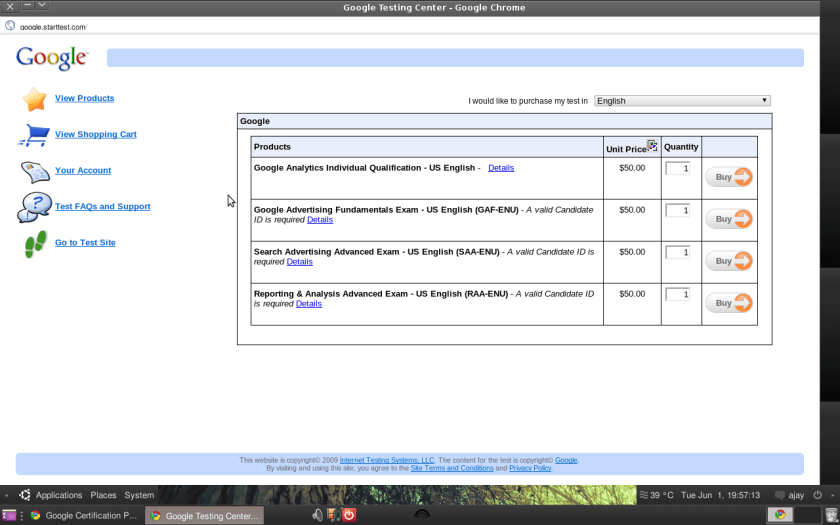
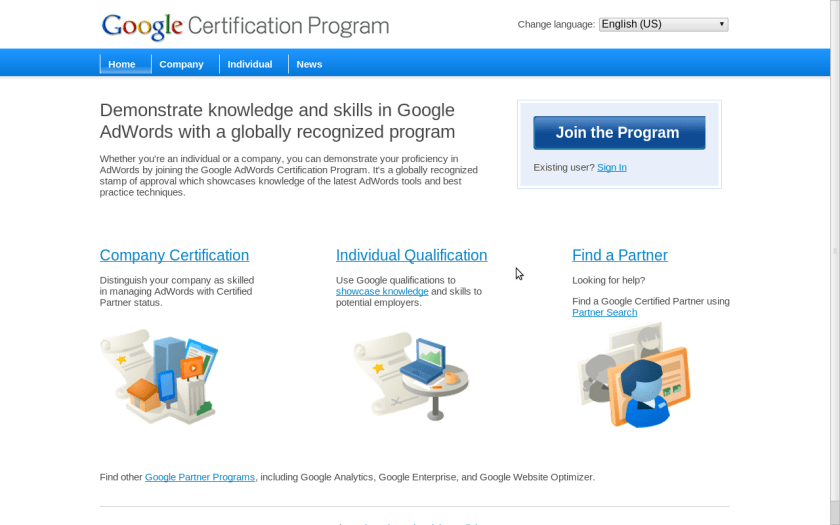
1) Google’s Certifications
http://www.google.com/intl/en/adwords/professionals/
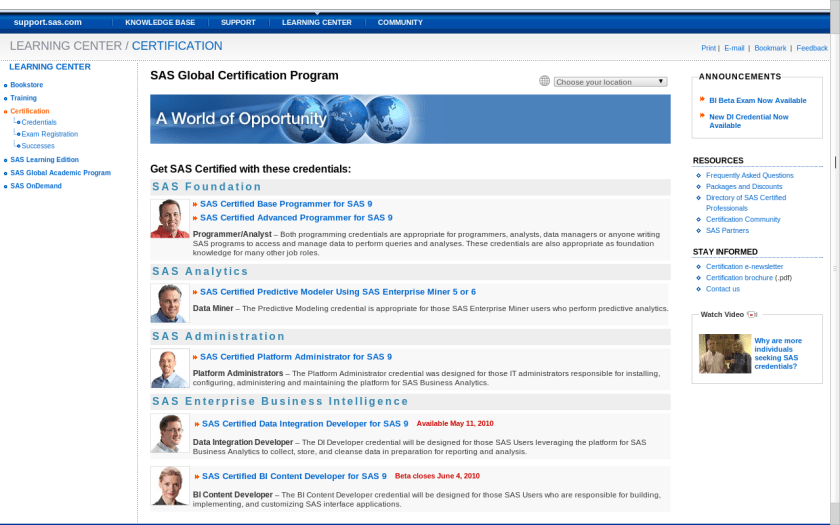
2) SAS Certifications
Quite well established and easily one of the best structured certification programs in the industry.
http://support.sas.com/certify/index.html
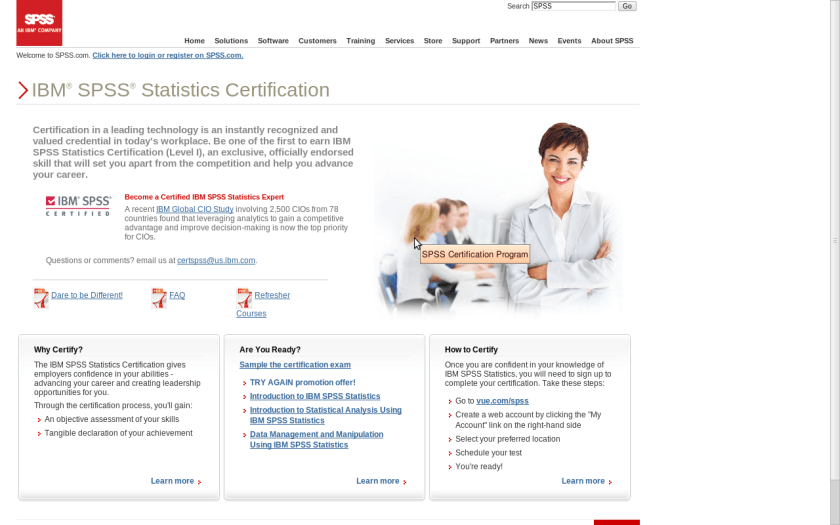
3) SPSS
The SPSS certification began last year and it helps provide a valuable skill set for both your practice as well as your resume. Also useful to have a second skill set apart from SAS in terms of statistical software.
http://www.spss.com/certification/
At this point I would like you to pause and think if the above certifications are useful or cost effective for you as they are broadly general qualifications in statistical platforms as well as in applying them for the web analytics ( a key area for business analytics).
For more specialized certifications here are some more-
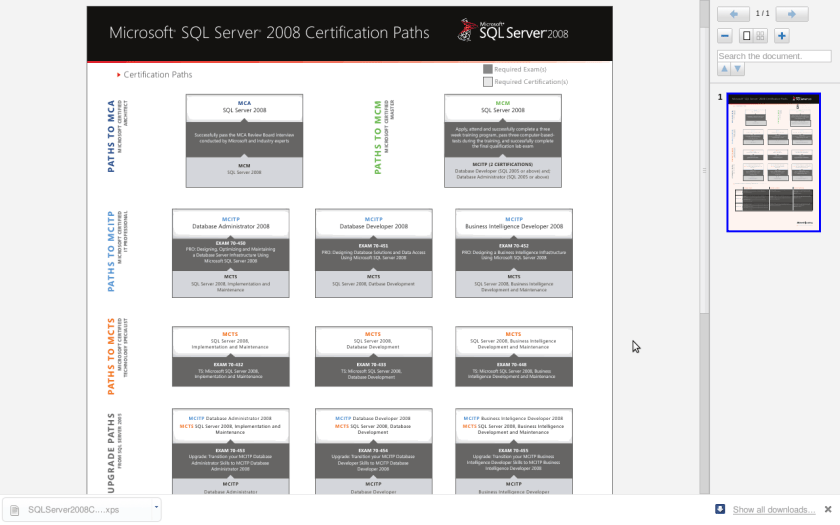
1) Microsoft SQL Server
http://www.microsoft.com/learning/en/us/certification/cert-sql-server.aspx
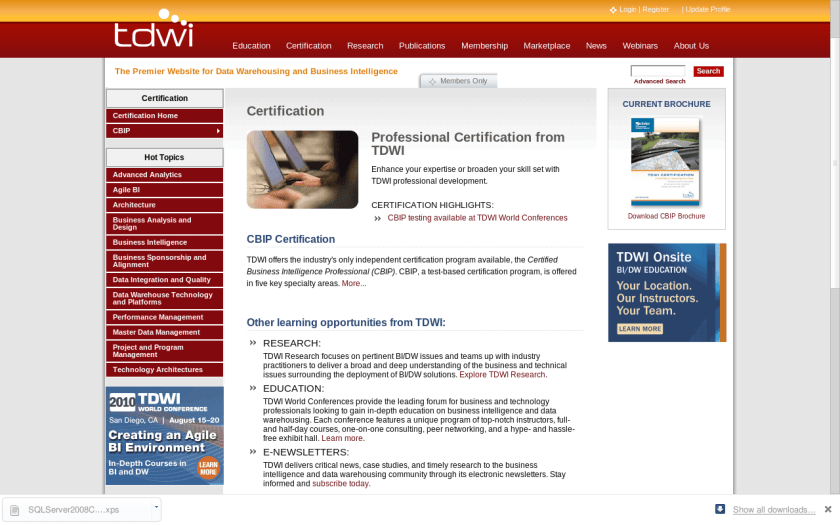
2) TDWI Certification
http://tdwi.org/pages/certification/index.aspx
3) IBM
Not sure how updated these are so caveat emptor!
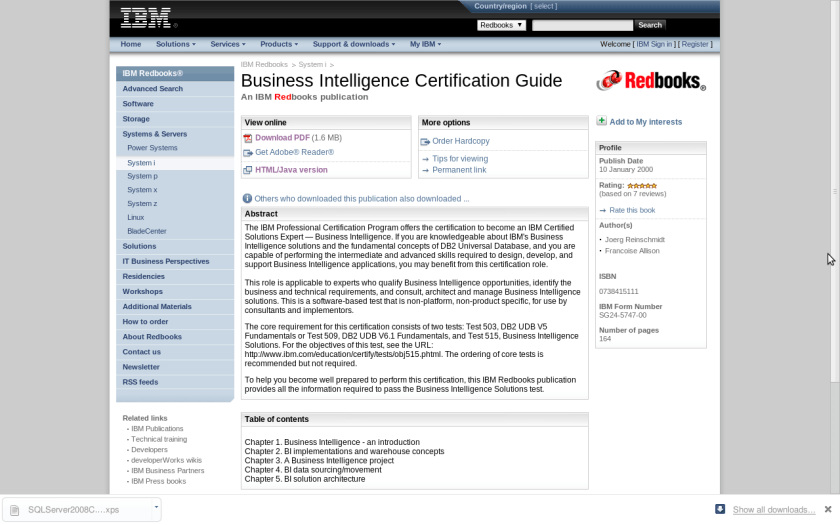
http://www.redbooks.ibm.com/abstracts/sg245747.html
If you are knowledgeable about IBM’s Business Intelligence solutions and the fundamental concepts of DB2 Universal Database, and you are capable of performing the intermediate and advanced skills required to design, develop, and support Business Intelligence applications
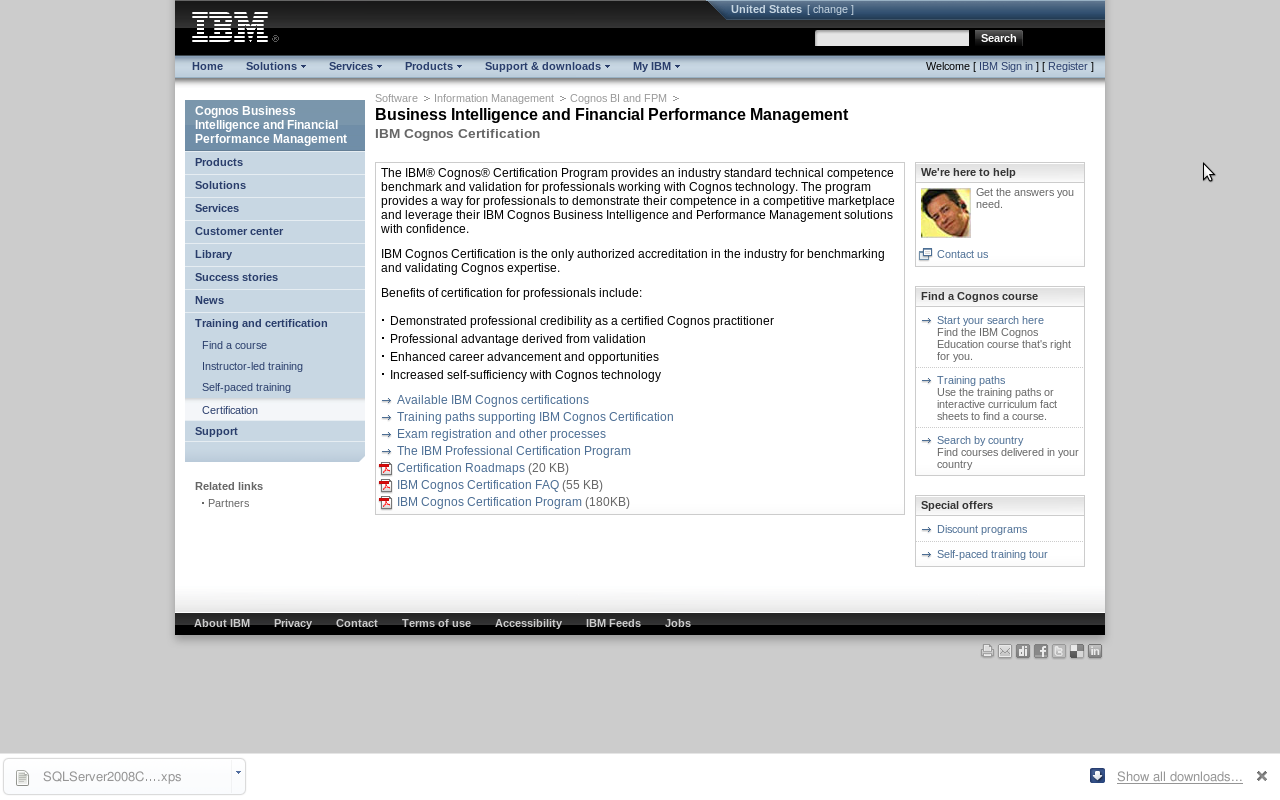
Also IBM Cognos Certifications
http://www-01.ibm.com/software/data/education/cognos-cert.html
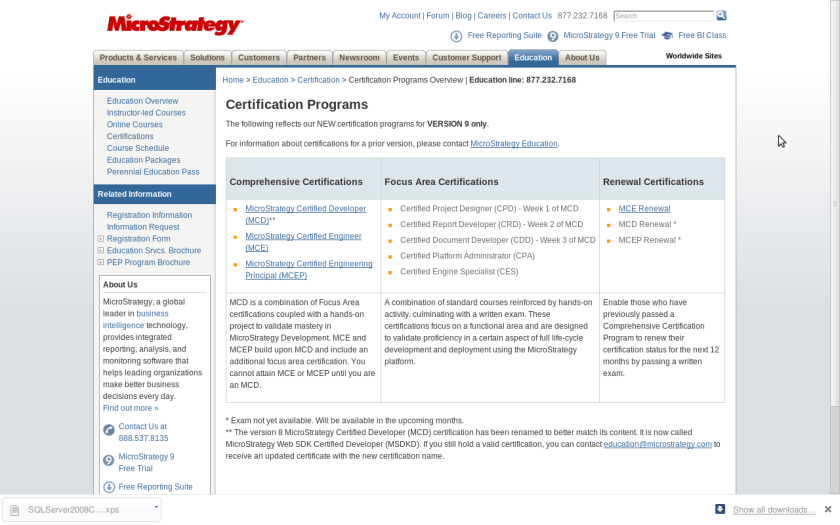
4) MicroStrategy
http://www.microstrategy.com/education/Certification/
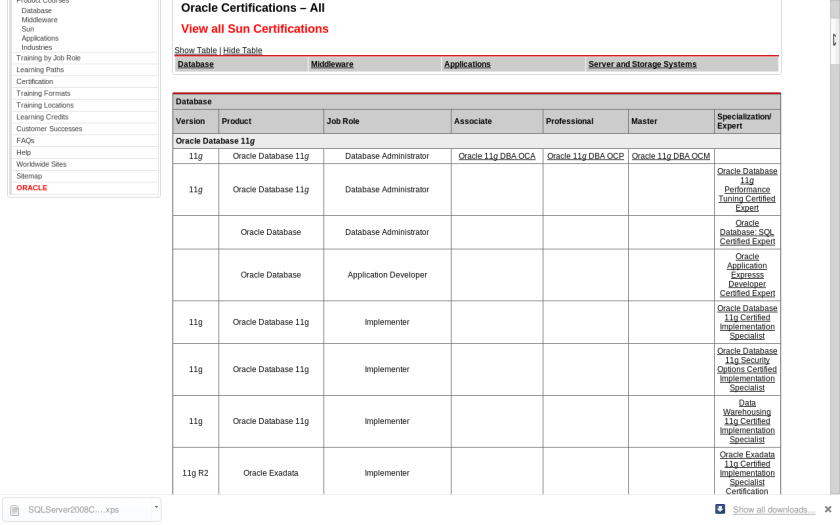
5) Oracle
Included the all new Sun Certifications as well.
http://certification.oracle.com/
and http://blogs.oracle.com/certification/
6) SAP Certifications
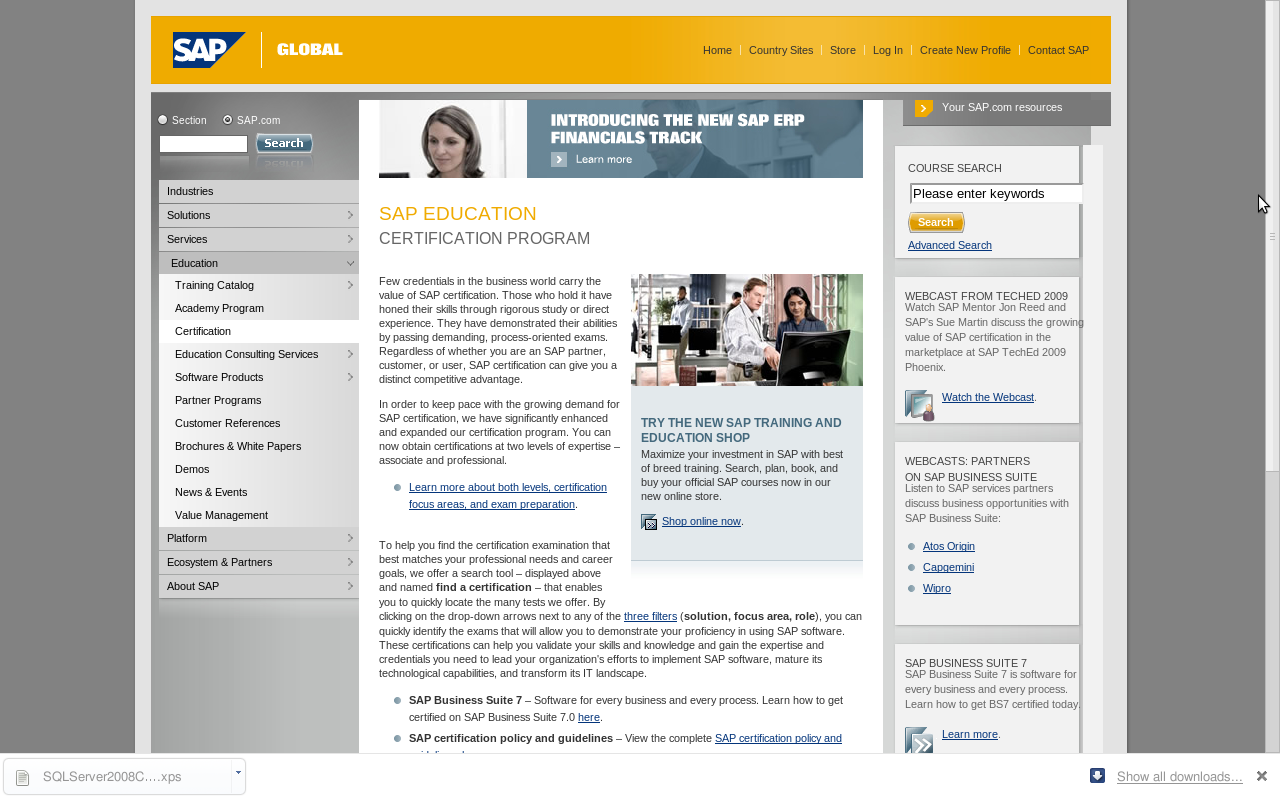
http://www.sap.com/services/education/certification/index.epx
7) Cloudera’s Hadoop Certification
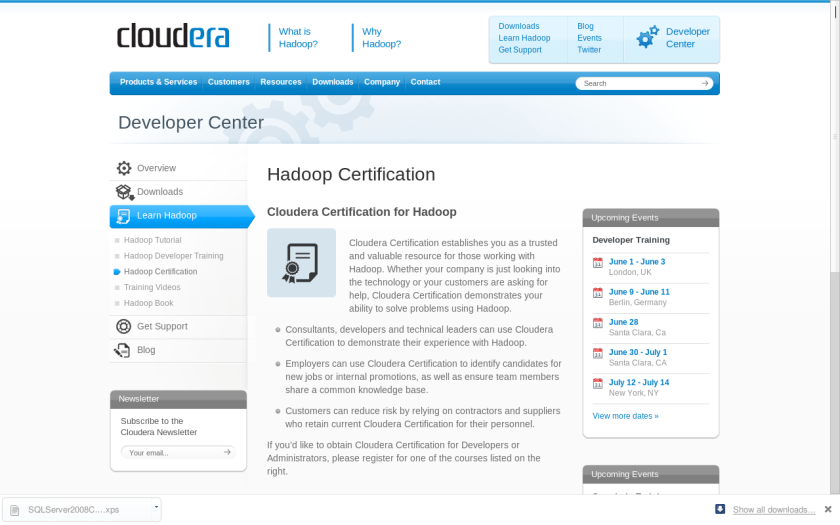
http://www.cloudera.com/developers/learn-hadoop/hadoop-certification/
These are some Business Intelligence and Business Analytics related certifications that I assembled in a list. Many other programs were either too software development specific or did not have a certification for general usage (like many R trainings or company tool specific trainings). Please feel free to add in any suggestions.
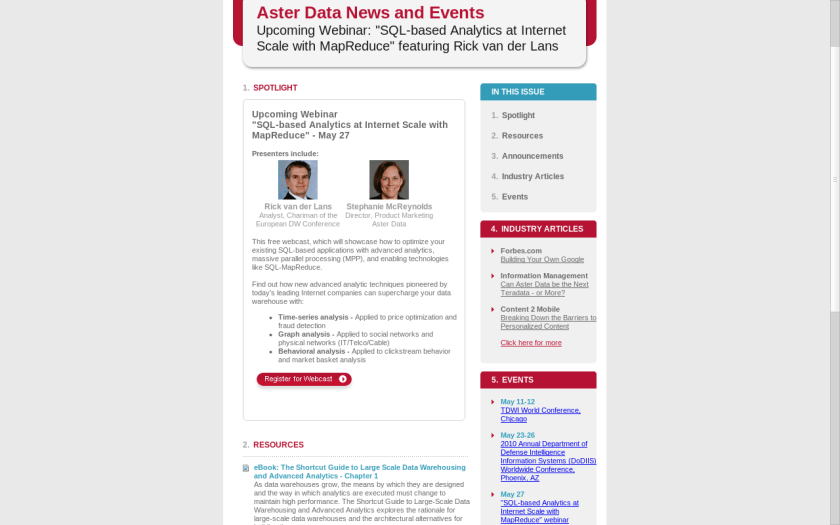
Aster Data Webinar on Analytics /Mapreduce
Covers the following usual suspects-
- Time-series analysis – Applied to price optimization and fraud detection
- Graph analysis – Applied to social networks and physical networks (IT/Telco/Cable)
- Behavioral analysis – Applied to clickstream behavior and market basket analys
For more click here-
The Top Statistical Softwares (GUI)
The list of top Statistical Softwares (GUI) is continued below. You can see the earlier post here
6. R Commander– While initially aimed at being a basic statistics GUI, the tremendous popularity of R Commander and the extensions in the form of plugins has helped make this one of the most widely used GUI. In short if you dont know ANY R, and still want to do basic descriptive stats and modeling this will come in handy- with an added script window for custom code for advanced users and extensions like that for DoE (design of experiments) and QCC (Quality Control) packages the e-plugins are a great way to extend this. I suspect the only thing holding it back is Dr Fox and the rest of R Core’s reluctance to fully embrace GUI as a software medium. You can read his earlier interview here-https://decisionstats.wordpress.com/2009/09/14/interview-professor-john-fox-creator-r-commander/
Technically it is possible to convert just about any package to a GUI menu in R Commander using the e-plugins.

7. SAS GUIs–
Enterprise (Guide)
SAS Enterprise Guide was the higher end (and higher priced solution) to enhanced editor’s lack of menu driven commands. It works but many people I know prefer the text editor just as well.

The Enterprise Miner is a separate software and works more like Red R or SPSS Modeler does. Again EM is one of the major DM softwares out there, but the similarity in names is a bit confusing.
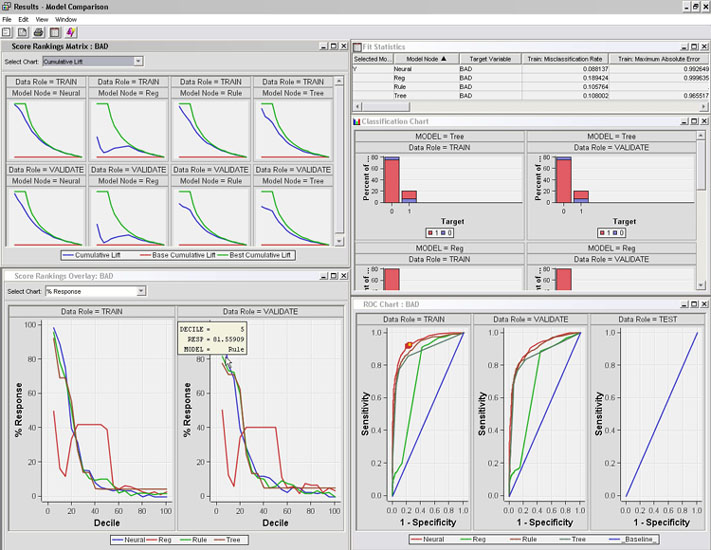
Even the Base SAS Enhanced Editor does have some menus for importing data, or querying etc, but it is rarely confused for being a GUI.
8. Oracle Data Miner and Knime
I like both the ODM and Knime but I find the lack of advertising or promotional support puzzling. Both these softwares can do well to combine technical excellence with some marketing. And since they are both free you can check them out yourself here
You can download it here-(note- the Oracle Web Site itself is a bit aging 🙂 )
http://www.oracle.com/technology/products/bi/odm/odminer.html

Knime is the open source GUI which can be found here-

http://www.knime.org/introduction/features
9. RAwkard
Another R GUI- it stands out on the comprehensive ways you can customize your code in menus rather than writing all or learning by rote the syntax.
From http://sourceforge.net/apps/mediawiki/rkward/index.php?title=Main_Page
you can see it below. I recommend this GUI over other GUIs especially if you are new to R and do more data visualization which needs custom graphics.

10. Red R and R JGR/ Deducer
Red R and RJGR/Deducer are both up and coming GUIs for R. While REd R is R version for Enterprise Miner, Deducer is coming up with a new GUI for ggplot the powerful graphics package in R.
Some GUIs excluded from this list are – Statistica, MatLab, EViews(?) because I dont really work with them, and thought it best to turn them over to someone who knows them better.
Hope this list of GUIs helps you- note most of the softwares can be learnt within a quick hour and two if you know basic software skills/data manipulation so going through the GUI list is a faster way of adding value to your resume/knowledge base as well.

