
Here are some thoughts on using existing statistical software for better analytics and/or business intelligence (reporting)-
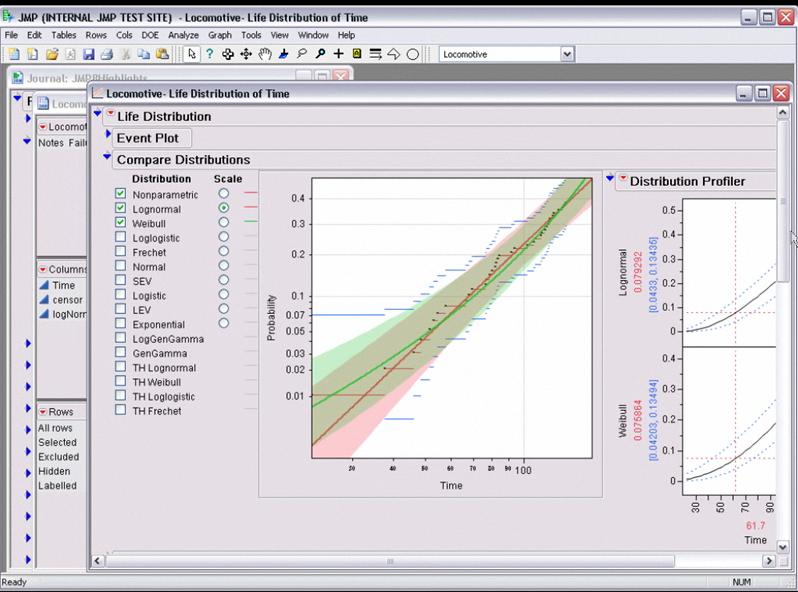
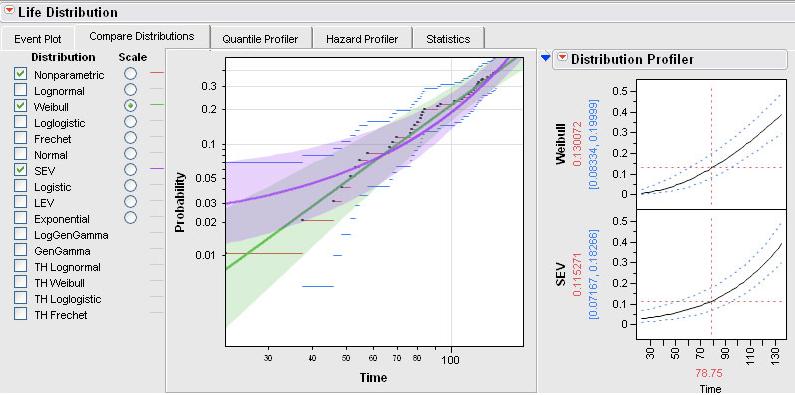
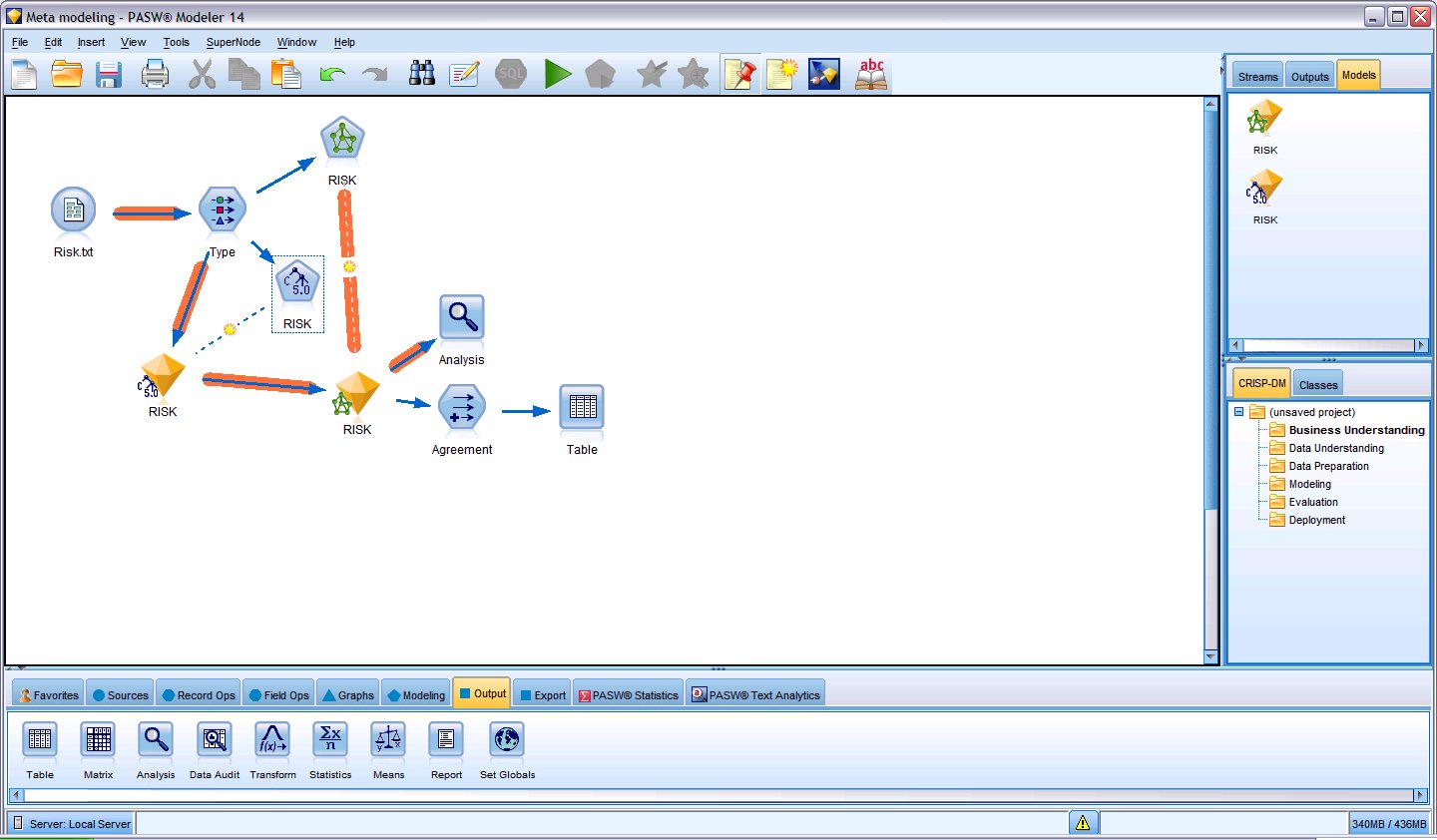
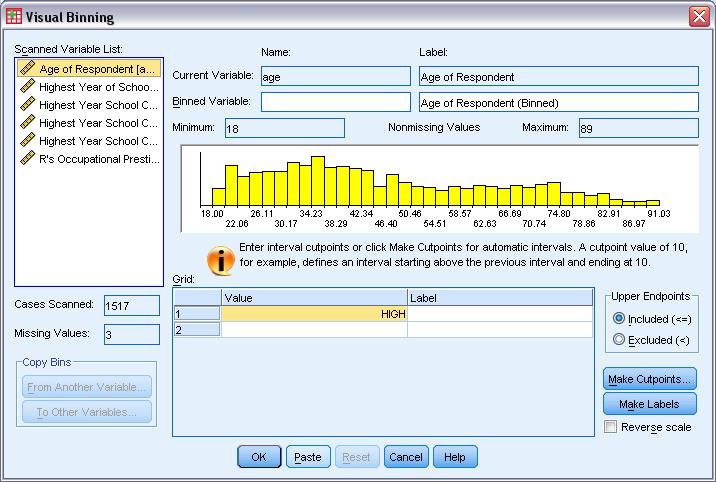
1) User Interface Design Matters- Most stats software have a legacy approach to user interface design. While the Graphical User Interfaces need to more business friendly and user friendly- example you can call a button T Test or You can call it Compare > Means of Samples (with a highlight called T Test). You can call a button Chi Square Test or Call it Compare> Counts Data. Also excessive reliance on drop down ignores the next generation advances in OS- namely touchscreen instead of mouse click and point.
Given the fact that base statistical procedures are the same across softwares, a more thoughtfully designed user interface (or revamped interface) can give softwares an edge over legacy designs.
2) Branding of Software Matters- One notable whine against SAS Institite products is a premier price. But really that software is actually inexpensive if you see other reporting software. What separates a Cognos from a Crystal Reports to a SAS BI is often branding (and user interface design). This plays a role in branding events – social media is often the least expensive branding and marketing channel. Same for WPS and Revolution Analytics.
3) Alliances matter- The alliances of parent companies are reflected in the sales of bundled software. For a complete solution , you need a database plus reporting plus analytical software. If you are not making all three of the above, you need to partner and cross sell. Technically this means that software (either DB, or Reporting or Analytics) needs to talk to as many different kinds of other softwares and formats. This is why ODBC in R is important, and alliances for small companies like Revolution Analytics, WPS and Netezza are just as important as bigger companies like IBM SPSS, SAS Institute or SAP. Also tie-ins with Hadoop (like R and Netezza appliance) or Teradata and SAS help create better usage.

4) Cloud Computing Interfaces could be the edge- Maybe cloud computing is all hot air. Prudent business planing demands that any software maker in analytics or business intelligence have an extremely easy to load interface ( whether it is a dedicated on demand website) or an Amazon EC2 image. Easier interfaces win and with the cloud still in early stages can help create an early lead. For R software makers this is critical since R is bad in PC usage for larger sets of data in comparison to counterparts. On the cloud that disadvantage vanishes. An easy to understand cloud interface framework is here ( its 2 years old but still should be okay) http://knol.google.com/k/data-mining-through-cloud-computing#
5) Platforms matter- Softwares should either natively embrace all possible platforms or bundle in middle ware themselves.
Here is a case study SAS stopped supporting Apple OS after Base SAS 7. Today Apple OS is strong ( 3.47 million Macs during the most recent quarter ) and the only way to use SAS on a Mac is to do either
| http://goo.gl/QAs2
or do a install of Ubuntu on the Mac ( https://help.ubuntu.com/community/MacBook ) and do this |
http://ubuntuforums.org/showthread.php?t=1494027
Why does this matter? Well SAS is free to academics and students from this year, but Mac is a preferred computer there. Well WPS can be run straight away on the Mac (though they are curiously not been able to provide academics or discounted student copies 😉 ) as per
| http://goo.gl/aVKu |
Does this give a disadvantage based on platform. Yes. However JMP continues to be supported on Mac. This is also noteworthy given the upcoming Chromium OS by Google, Windows Azure platform for cloud computing.
 DECISION STATS