Using Ipod and Iphone with your Ubuntu Laptop

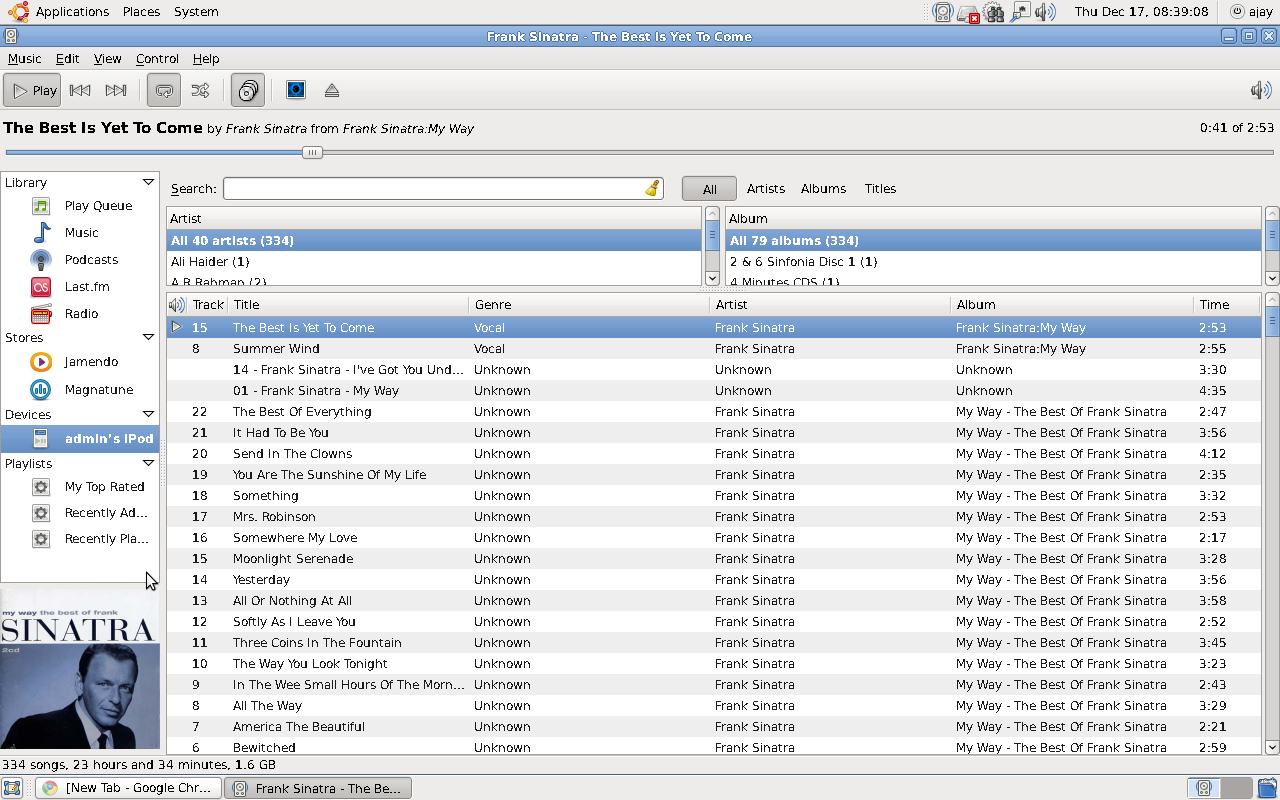
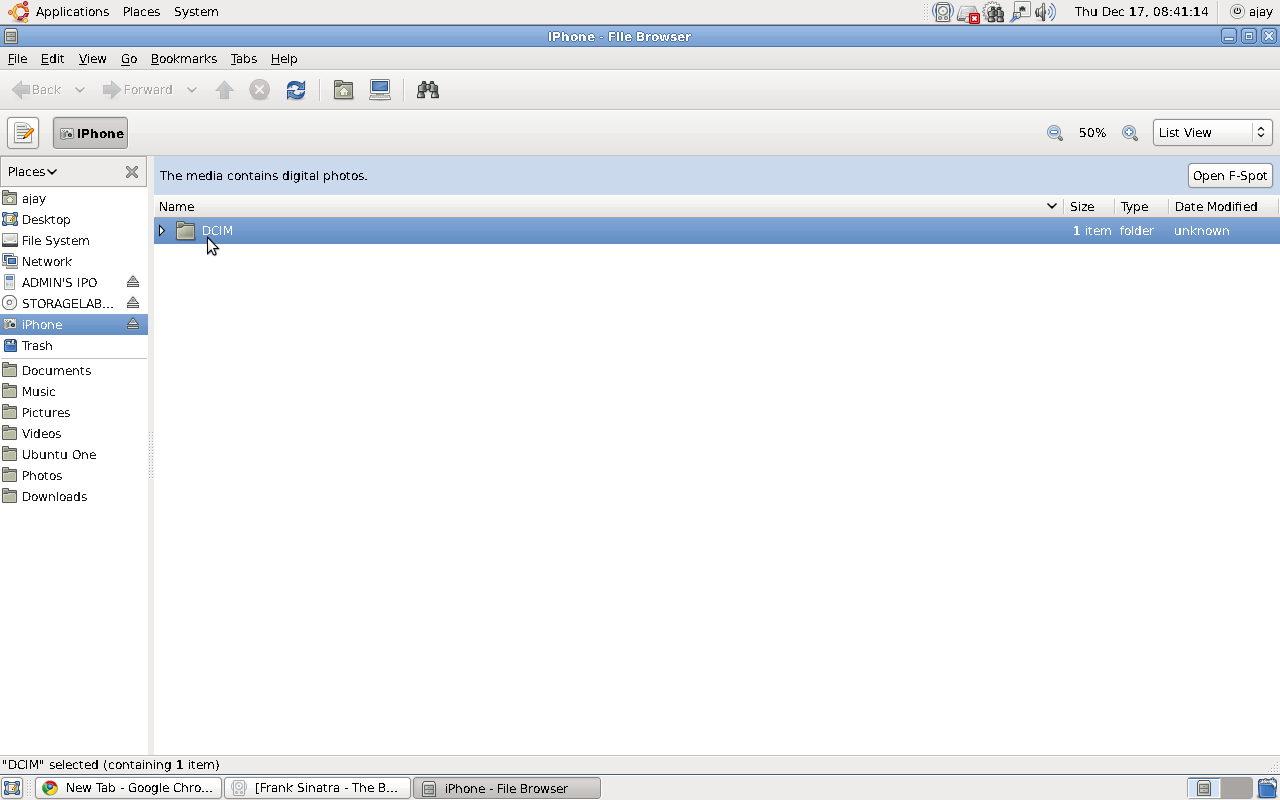
If you love your  Apple iPhone / iPod, the latest release of Ubuntu from Canonical called Karmic Koala ( the counter part to Microsoft’s Windows 7) is totally compatible for USB connection

If you love your  Apple iPhone / iPod, the latest release of Ubuntu from Canonical called Karmic Koala ( the counter part to Microsoft’s Windows 7) is totally compatible for USB connection.

Ubuntu uses Rhythmbox for playing songs and uses FSpot and Gimp for images. The audio quality is excellent ( even if you are using very old hardware like I do) and Gimp is the best image manipulation software -comparable to ones from Adobe- intuitive and easy.

R , Ubuntu, RCmdr Updates

Some nice updates for R followers-

1) Rather than have an Icon for R – There is a seperate icon for RCmdr in Ubuntu Karmic Koala – Thus the default screen on opening is R Cmdr.

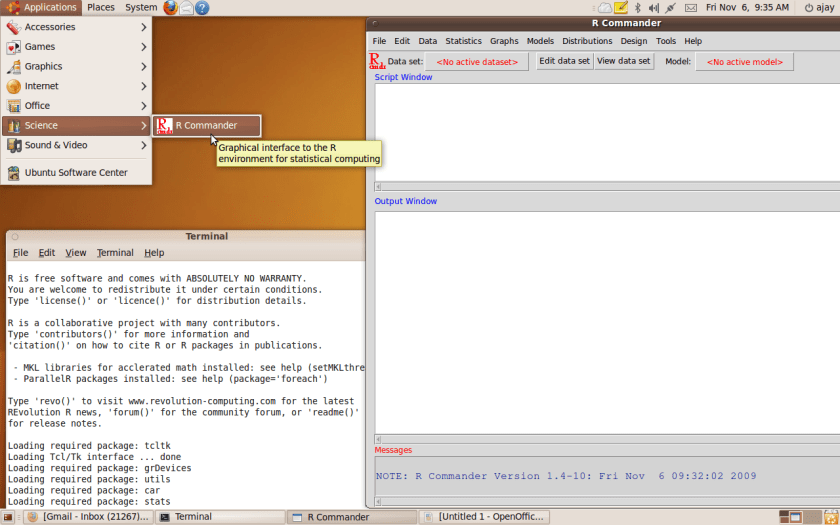
2) REvolution Computing has managed a coup with their bundling of their libraries with the R Distribution in Ubuntu Karmic Koala( see screenshot). We however still are waiting for who gets the credit for that ( Daneese Cooper or the long suffering Mr Smith)

Screenshot


3)Karmic Koala offers 2 GB free space  for storing data in the cloud for every user and 50 GB at 10$ a month. This helps with your storage costs. Data is protected thanks to an oauth login id and machine specific tie-in.

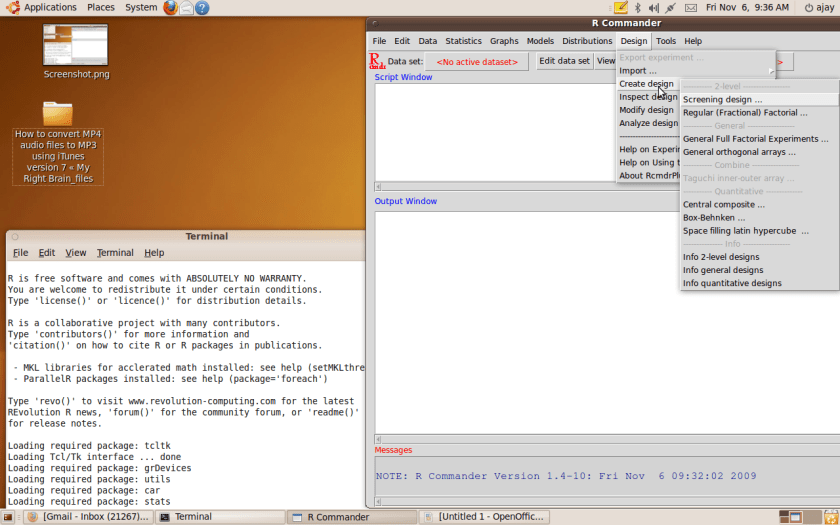
4) RCmdr has a great new plugin for DOE (Design off Experiments) students. DOE is a powerful and under utilized technique especially in Web Analytics. This is promising given that Dr John Fox ( whom we interviewed on this website) has going on ahead and seems clearly to have established RCmdr as the introductory GUI for beginners to R.

(see screenshot 2 below)

5) The Karmic Koala is very easy to install and very intuitive to use- Don’t want to give up your Windows ( well just install a dual boot which takes less than 1 hour on a fast internet connection or 15 minutes if you have a DVD)


Screenshot-1

6) What are other Statistics softwares doing? If they are not too keen on helping Microsoft get more sales ( especially student OS licenses) why don’t they offer the Ubuntu version free for students ( and besides once and for all put to rest the open source credential controversy)


Karmic Koala Ubuntu/Linux 9.2 Preview

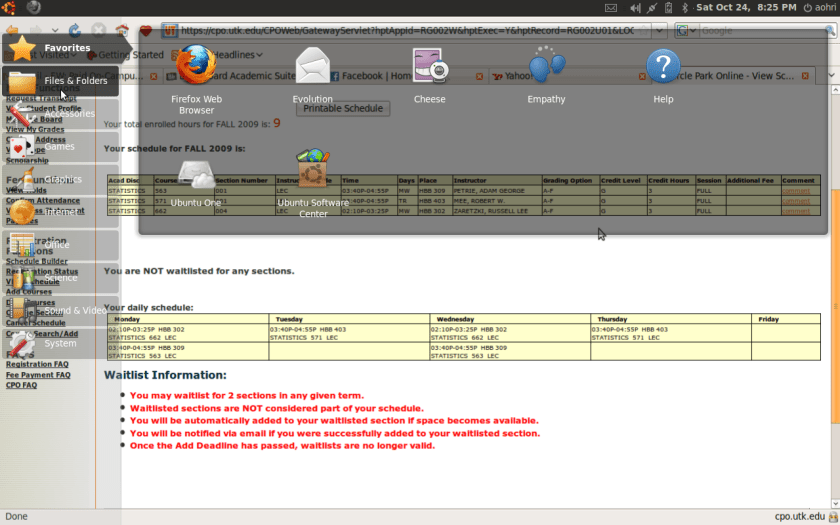
I am just about testing the Karmic Koala which is due for launch next week. There is significant amount of Browser Based Operating System in it- it seems like a Cloud OS and Firefox have been integrated. See the following screenshots-

Screenshot-30

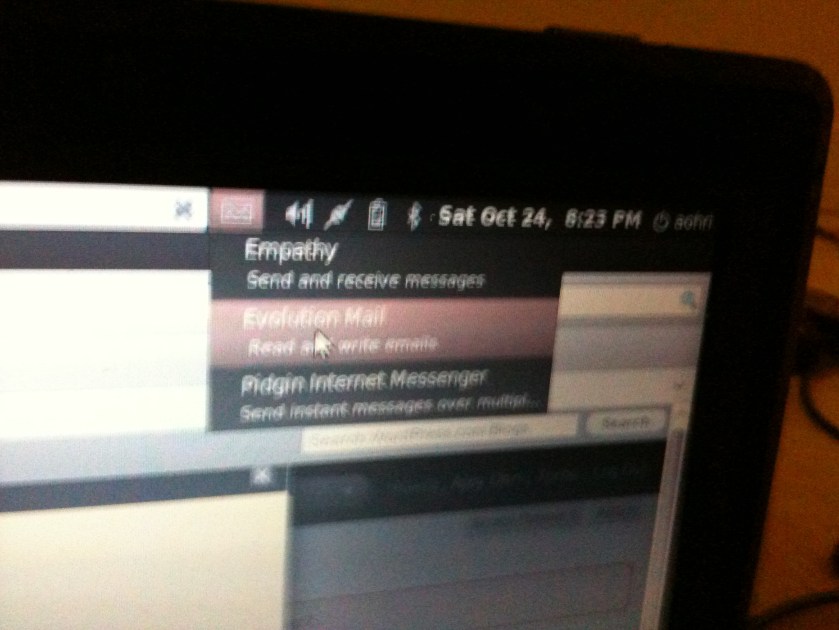
Note the ability to send email from the toolbar itself- Also the system speeded up considerably after the upgrade was installed. The striking change was in design and folder structure (it seems that they analyzed the usage data in Canonical to decide what design feature to keep and what not to keep)

Here are more views, and yes the Website http://www.ubuntu.com just went for an upgrade maintenance to cope with next week’s heavy rush or downloading.

Caveat- this is just the beta version but 5 days before launch beta version generally stay faithful to design changes.

Visit http://www.ubuntu.com for a better look- I believe dual boot Windows 7 and Koala are supported that helps you with

trying Ubuntu for fun and Windows for your original work.

IMG_0354

IMG_0356

Karmic Koala versus Windows 7

Windows 7 was launched this week. Karmic Koala ( or Linux Ubuntu 9.10) is being launched next week.

No wonder Microsoft refused to recognize the upgrade revenue in it’s books and is applying conservative accounting for

projecting Windows 7 revenue

( given the Windows Vista failure to launch- 1 failure in about 30 years of successful product launches

Ah Karma

http://www.ubuntu.com/

Ubuntu: For Desktops, Servers, Netbooks and in the cloud

Using Chromium /Chrome on Ubuntu Linux

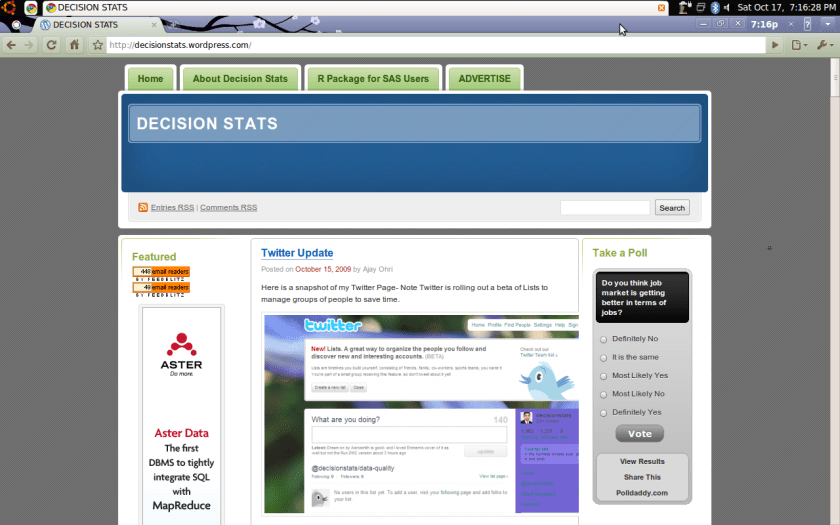
Here is a preview of the “unstable” version ( quite stable actually but Google has a sense of humour that I am using on my Ubuntu Linux

Some Features-

1) Noticeably faster browsing. I mean faster browsing and loading of images.

2) Still some trouble with Adobe plugins and Facebook games

3) Cool customized themes  (see below)

4) Note the time IN THE BROWSER

5) Quite easy and stable to use with the most visited sites and the default search with suggestions within address bar

Screenshot-13

What is Linux

If you think Linux is too serious, take out five minutes and watch these videos -the winners in a contest sponsored by the people at http://video.linuxfoundation.org/contest/winners

This one came in third so check out the other ones too

Citation-http://video.linuxfoundation.org/
http://video.linuxfoundation.org/contest/winners

Building KXEN Models on Ubuntu

Doing analytics on Linux sometimes seems user unfriendly but the reality is itis not so- and it is actually cheaper for you as you can focus on the analytical software rather than the Operating System licensing costs.

virtualization-kvm-ubuntu
kxen2

virtualization-kvm-ubuntu

Note: The software used in this were KXEN Linux version 2.4 and Ubuntu Hardy Heron.

Using KXEN on an Ubuntu Linux proved surprisingly even more easy. Thanks to some excellent help provided by the KXEN support team and some discussions with KXEN’s head of Research,Bertrand the following 5 step procedure should help you start building models in KXEN right away.

Using Ubuntu has the added advantages of security, low costs as well as all the ease of a Graphical User Interface-

1)Backward Compatibility

$ sudo apt-get install libstdc++5

(it will then ask the password).

2)Installing Java

$ sudo apt-get install sun-java6-jre

3) Download and Unzipping the Software
Download the zipped folder from the KXEN Download Site.
Unzip  the Linux Version of KXEN system from the Download Site- This creates the master folder (example Kxen_X86-Linux-2.4.21-4.Elsmp_v5_0_3 )

4)Licensing
Run the KXEN Node Generator in KxNodeCodeGenerator folder within the master folder above.
The new file KXEN Node.txt is then sent back to support team and they send the License_nl.cfg

5)Installation ( for stand alone client)

Install a JVM 1.4.2 and export the java/bin directory in the $PATH environment variable.

The exe is located in the folder KJWizardJNI- The following commands

$ cd KJWizardJNI
$ PATH=/opt/j2sdk1.4.2_10/bin:$PATH ; export PATH
$ ./KJWizardJNI.sh

Run KXEN Models Happily ever after !!!

Note KXEN offers the ability to export models in a variety of formats including PMML, SAS, SQL and other languages

Disclaimer- I am a consultant on social media to KXEN