Data Mining through the Android

Here is something interesting (I probably have to ask someone or wait for Android to come to India to do this personally0.

It uses the Android App Development ( which is quite easy if you have a Linux) and basically runs R from the cloud using a GUI Rattle. Fire away the data while watching a movie or just on the go !

See this-

http://analyticdroid.togaware.com/

Question- How useful do you think it will be to do this?  Would you like to run R on your mobile?

The Top Statistical Softwares (GUI)

The list of top Statistical Softwares (GUI) is continued below. You can see the earlier post here

6. R Commander– While initially aimed at being a basic statistics GUI, the tremendous popularity of R Commander and the extensions in the form of plugins has helped make this one of the most widely used GUI. In short if you dont know ANY R, and still want to do basic descriptive stats and modeling this will come in handy- with an added script window for custom code for advanced users and extensions like that for DoE (design of experiments) and QCC (Quality Control) packages the e-plugins are a great way to extend this. I suspect the only thing holding it back is Dr Fox and the rest of R Core’s reluctance to fully embrace GUI as a software medium. You can read his earlier interview here-https://decisionstats.wordpress.com/2009/09/14/interview-professor-john-fox-creator-r-commander/

Technically it is possible to convert just about any package to a GUI menu in R Commander using the e-plugins.

7. SAS GUIs

Enterprise (Guide)

SAS Enterprise Guide was the higher end (and higher priced solution) to enhanced editor’s lack of menu driven commands. It works but many people I know prefer the text editor just as well.
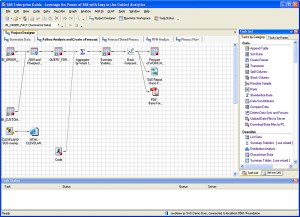

The Enterprise Miner is a separate software and works more like Red R or SPSS Modeler does. Again EM is one of the major DM softwares out there, but the similarity in names is a bit confusing.

Even the Base SAS Enhanced Editor does have some menus for importing data, or querying etc, but it is rarely confused for being a GUI.

8. Oracle Data Miner and Knime

I like both the ODM and Knime but I find the lack of advertising or promotional support puzzling. Both these softwares can do well to combine technical excellence with some marketing. And since they are both free you can check them out yourself here

Oracle Data Mining

You can download it here-(note- the Oracle Web Site itself is a bit aging 🙂 )

http://www.oracle.com/technology/products/bi/odm/odminer.html

Knime is the open source GUI which can be found here-

http://www.knime.org/introduction/features

9. RAwkard

Another R GUI- it stands out on the comprehensive ways you can customize your code in menus rather than writing all or learning by rote the syntax.

From http://sourceforge.net/apps/mediawiki/rkward/index.php?title=Main_Page

you can see it below. I recommend this GUI over other GUIs especially if you are new to R and do more data visualization which needs custom graphics.

10. Red R and R JGR/ Deducer

Red R and RJGR/Deducer are both up and coming GUIs for R. While REd R is R version for Enterprise Miner, Deducer is coming up with a new GUI for ggplot the powerful graphics package in R.

Some GUIs excluded from this list are – Statistica, MatLab, EViews(?) because I dont really work with them, and thought it best to turn them over to someone who knows them better.

Hope this list of GUIs helps you- note most of the softwares can be learnt within a quick hour and two if you know basic software skills/data manipulation so going through the GUI list is a faster way of adding value to your resume/knowledge base as well.


Top 10 Graphical User Interfaces in Statistical Software

Here is a list of top 10 GUIs in Statistical Software. The overall criterion is based on-

  • User Friendly Nature for a New User to begin click and point and learn.
  • Cleanliness of Automated Code or Log generated.
  • Practical application in consulting and corporate world.
  • Cost and Ease of Ownership (including purchase,install,training,maintainability,renewal)
  • Aesthetics (or just plain pretty)

However this list is not in order of ranking- ( as beauty (of GUI) lies in eyes of the beholder). For a list of top 10 GUI in R language only please see –

https://rforanalytics.wordpress.com/graphical-user-interfaces-for-r/

This is only a GUI based list so it excludes notable command line or text editor submit commands based softwares which are also very powerful and user friendly.

  1. JMP –

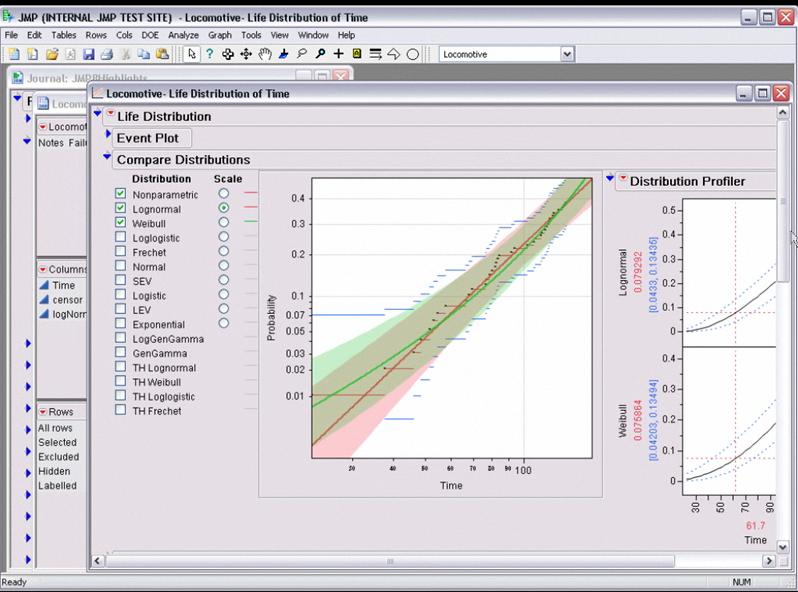
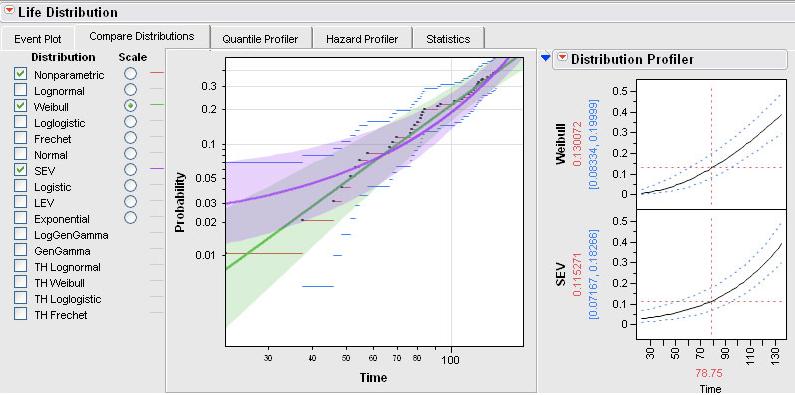
While critics of SAS Institute often complain on the premium pricing of the basic model (especially AFTER the entry of another SAS language software WPS from http://www.teamwpc.co.uk/products/wps – they should try out JMP from http://jmp.com – it has a 1 month free evaluation, is much less expensive and the GUI makes it very very easy to do basic statistical analysis and testing. The learning curve is surprisingly fast to pick it up (as it should be for well designed interfaces) and it allows for very good quality output graphics as well.

2.SPSS

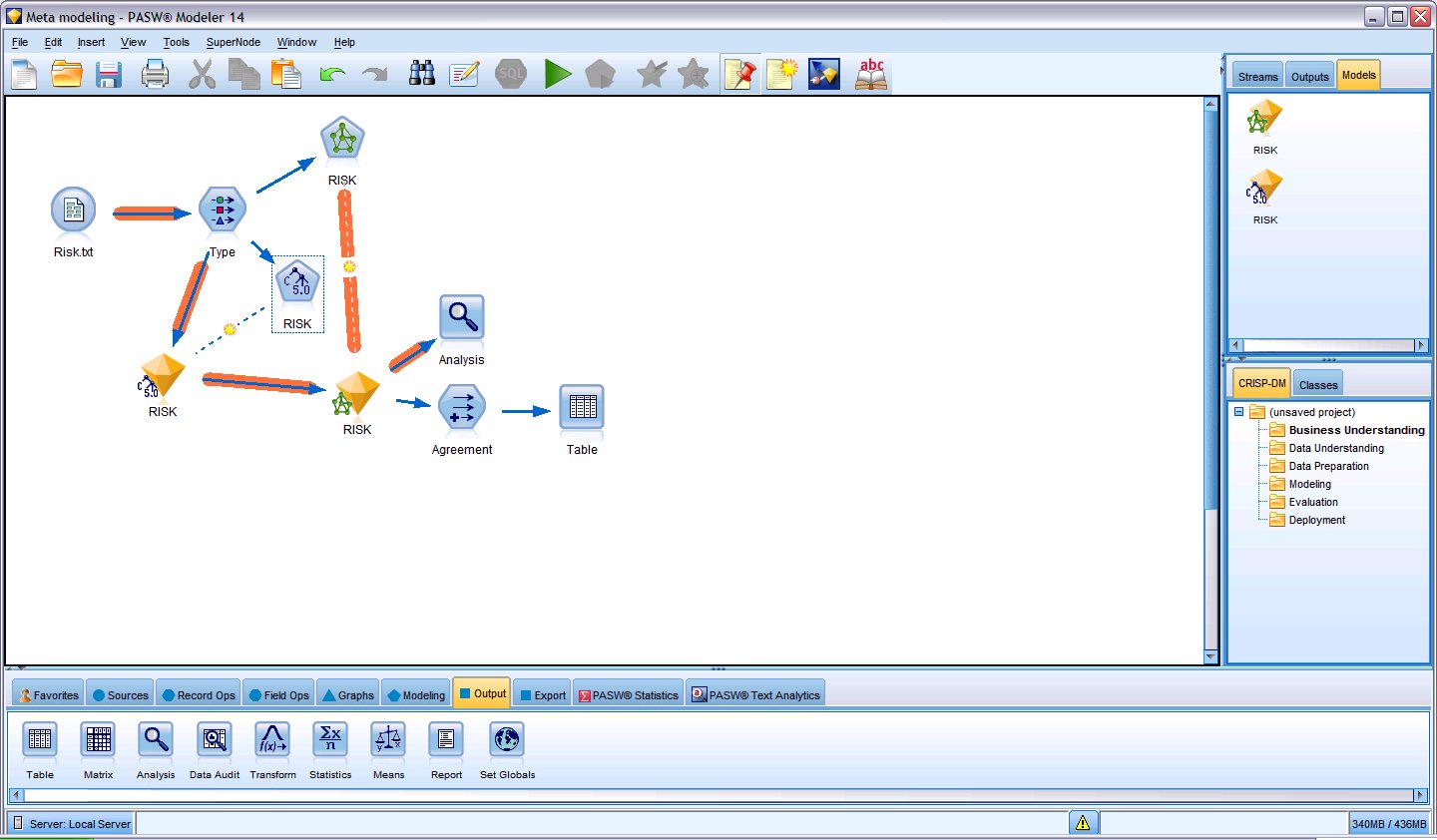
The original GUI in this class of softwares- it has now expanded to a big portfolio of products. However SPSS 18 is nice with the increasing focus on Python and an early adoptee of R compatible interfaces, SPSS does offer a much affordable solution as well with a free evaluation. See especially http://www.spss.com/statistics/ and http://www.spss.com/software/modeling/modeler-pro/

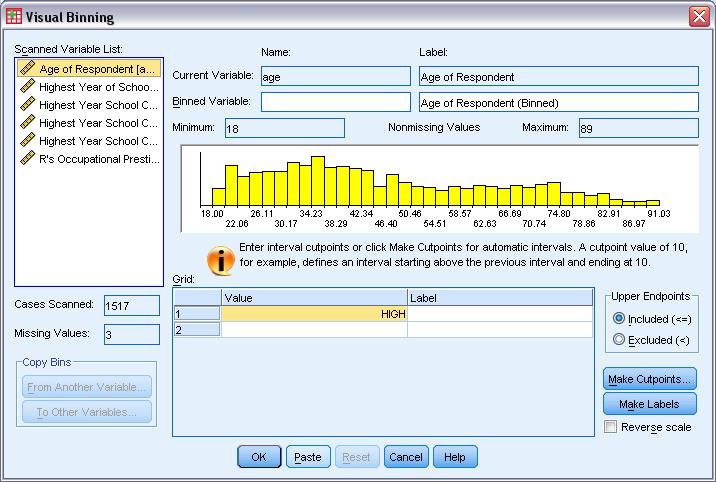
the screenshot here is of SPSS Modeler

3. WPS

While it offers an alternative to Base SAS and SAS /Access software , I really like the affordability (1 Month Free Evaluation and overall lower cost especially for multiple CPU servers ), speed (on the desktop but not on the IBM OS version ) and the intuitive design as well as extensibility of the Workbench. It may look like an integrated development environment and not a proper GUI, but with all the menu features it does qualify as a GUI in my opinion. Continue reading “Top 10 Graphical User Interfaces in Statistical Software”

Rexer Analytics Annual Data Miner Survey

HIGHLIGHTS from the 3rd Annual Data Miner Survey:

  • 40-item survey of data miners, conducted on-line in early 2009.
  • 710 participants from 58 countries.
  • Data miners’ most commonly used algorithms are regression, decision trees, and cluster analysis.
  • Data mining is playing an important role in organizations.
    • Half of data miners say their results are helping to drive strategic decisions and operational processes.
    • 58% say they are adding to the knowledge base in the field.
    • 60% of respondents say the results of their modeling are deployed always or most of the time.
  • Most data miners feel that the economy will not negatively impact them.
  • Almost half of industry data miners rate the analytic capabilities of their company as above average or excellent.  But 19% feel their company has minimal or no analytic capabilities.
  • The top challenges facing data miners are dirty data, explaining data mining to others, and difficult access to data.  However, in 2009 fewer data miners listed data quality and data access as challenges than in the previous year.
  • IBM SPSS Modeler (SPSS Clementine), Statistica, and IBM SPSS Statistics (SPSS Statistics) are identified as the “primary tools” used by the most data miners.
    • Open-source tools Weka and R made substantial movement up data miner’s tool rankings this year, and are now used by large numbers of both academic and for-profit data miners.
    • SAS Enterprise Miner dropped in data miner’s tool rankings this year.
  • Users of IBM SPSS Modeler, Statistica, and Rapid Miner are the most satisfied with their software.
  • Fields & Industries:  Data mining is everywhere.  The most sited areas are CRM / Marketing, Academic, Financial Services, & IT / Telecom.  And in the for-profit sector, the departments data miners most frequently work in are Marketing & Sales and Research & Development.


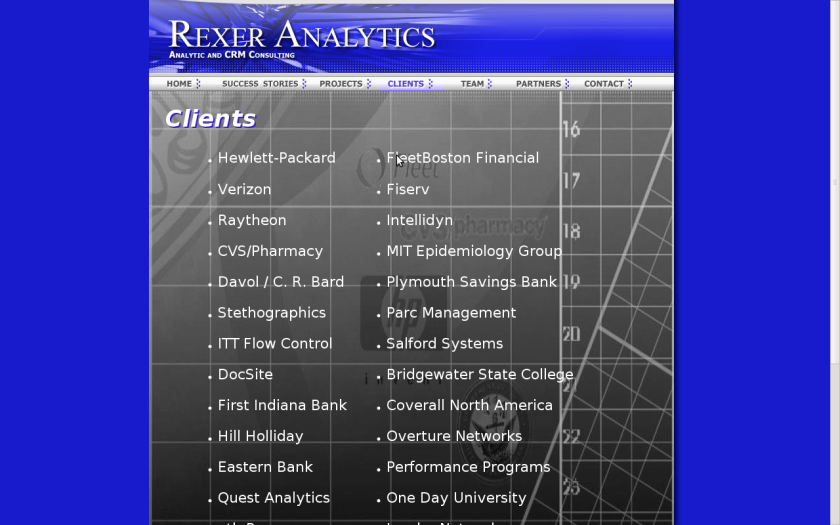
Additional Info can be taken from the Rexer Analytics website- I find their annual survey one of the most useful in summarizing the entire DM and A landscape.


K D D is back

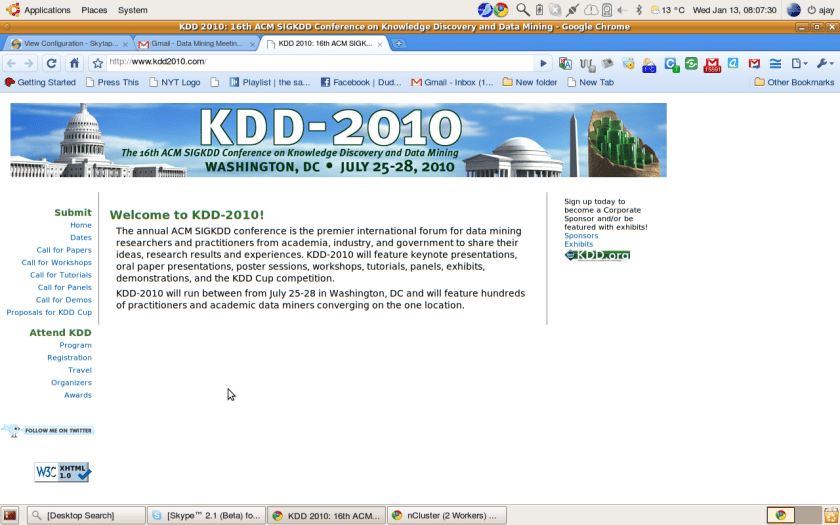
Check out the most happening conference to be in 2010 in the realms of big data and data communities.

Its KDD time, folks.

Data Mining with R

A New Data Mining Book in Town and it’s actually free to use. The software is free too.

Easy to read.

Citation

http://www.liaad.up.pt/~ltorgo/DataMiningWithR/

Audio Interviews -Dr. Colleen McCue National Security Expert

During times of National Insecurity, I remembered and dug up an interview at SAS Data Mining 2009 in which Dr Colleen McCue talks of how working with SAS and Data Mining can help.

[tweetmeme=”Decisionstats”]

Interview Dr Colleen

Dr. Colleen McCue, President & CEO of MC2 Solutions, brings over 18 years of experience in advanced analytics and the development of actionable solutions to complex information processing problems in the applied public safety and national security environment. Dr. McCue’s areas of expertise include the application of data mining and predictive analytics to the analysis of crime and intelligence data, with particular emphasis on deployment strategies, surveillance detection, threat and vulnerability assessment and the behavioral analysis of violent crime. Her experience as the Crime Analysis Program Manager for the Richmond, Virginia Police Department and pioneering work in operationally relevant and actionable analytical strategies has been used to support a wide array of national security and public safety clients. Dr. McCue has authored a book on the use of advanced analytics in the applied public safety environment entitled, “Data Mining and Predictive Analysis: Intelligence Gathering and Crime Analysis.” Dr. McCue earned her undergraduate degree from the University of Illinois at Chicago and Doctorate in Psychology from Dartmouth College, and completed a five-year postdoctoral fellowship in the Department of Pharmacology & Toxicology at the Medical College of Virginia, Virginia Commonwealth University. Dr. McCue can be reached atcolleen@mc2solutions.net or 804.894.1154.

MC2 Solutions, LLC specializes in the provision of public safety and national security research, analysis and training.

Watch Colleen’s Webinar, Why Just Count Crime When You Can Prevent It?