Using Mono Chrome and Instrumental Music rather than color and songs can make a change.
Also note the fonts , colors of backgrounds in the video.
Only 1: 12 or 72 seconds of your time.

Using Mono Chrome and Instrumental Music rather than color and songs can make a change.
Also note the fonts , colors of backgrounds in the video.
Only 1: 12 or 72 seconds of your time.
For an added dimension in your multimedia presentations , rather than plain old powerpoint take a look at Prezi (from www.Prezi.com).
I used Google Docs to create a free standard presentation , and downloaded in Powerpoint.
I then used Prezi to create the zooming effects.
I then used a software for capturing screens XVidCap ( a linux version of Camtasia)
Using Youtube’s audio swap I mixed the soundtrack on it.

I tried I sighed I almost cried
Sent her facebook messages till I almost died
An impossible force my passion for her
Her immovable demeanor beneath her icy side
When fire meets ice there will be blood
Intoxicating romance leading to tearful flood
But that’s a square dance we date and dance
For loving and living always gives a second chance
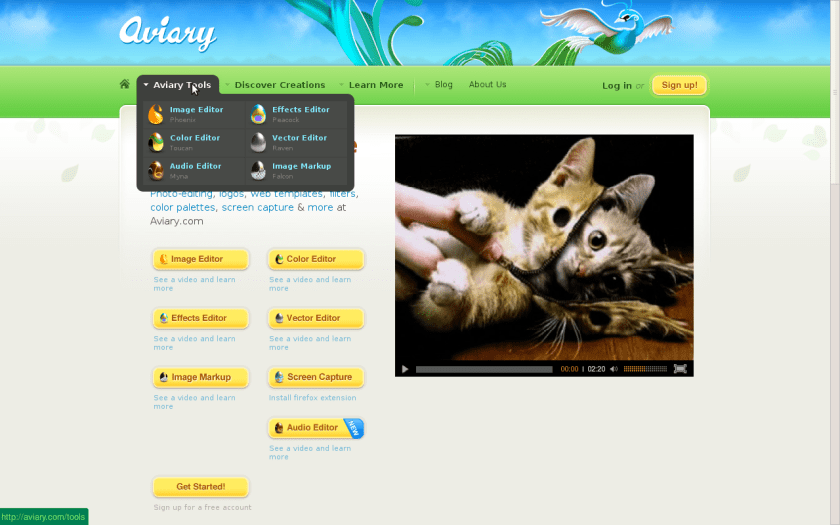
Here a couple of coool tools from http://aviary.com– with some cool effects. All tools are online, and you can login using any social media login as well- check it out. This is one startup that will end up making waves
A funny video from Oracle from http://www.youtube.com/user/OracleVideo
Here is a way to create Content Aggregator-
1) Create a Google Alert for keywords (like say MapReduce and Hadoop)
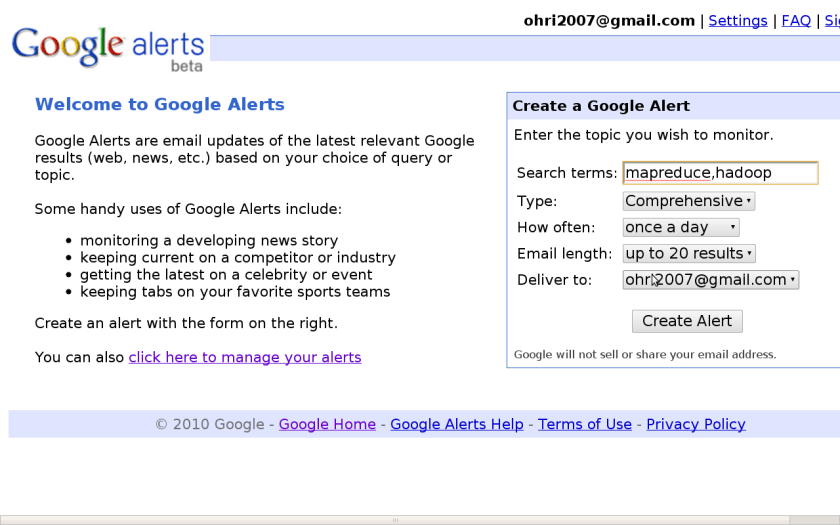
2) Create a WordPress.com free blog and enable the Auto Post by Email Feature (using manage my blogs in Settings- Reading in Left Bottom Margin). This creates an email with random numbers that can enable you for sending emails and thus auto posting.


3) Create an Email Filter in your Gmail Account to auto forward this to the post by Email Account


Note you can thus create an auto aggregator and pick and choose for creating a Keyword specific or domain specific newsletter. It is all free and takes 15 minutes to set up, and is then automated.
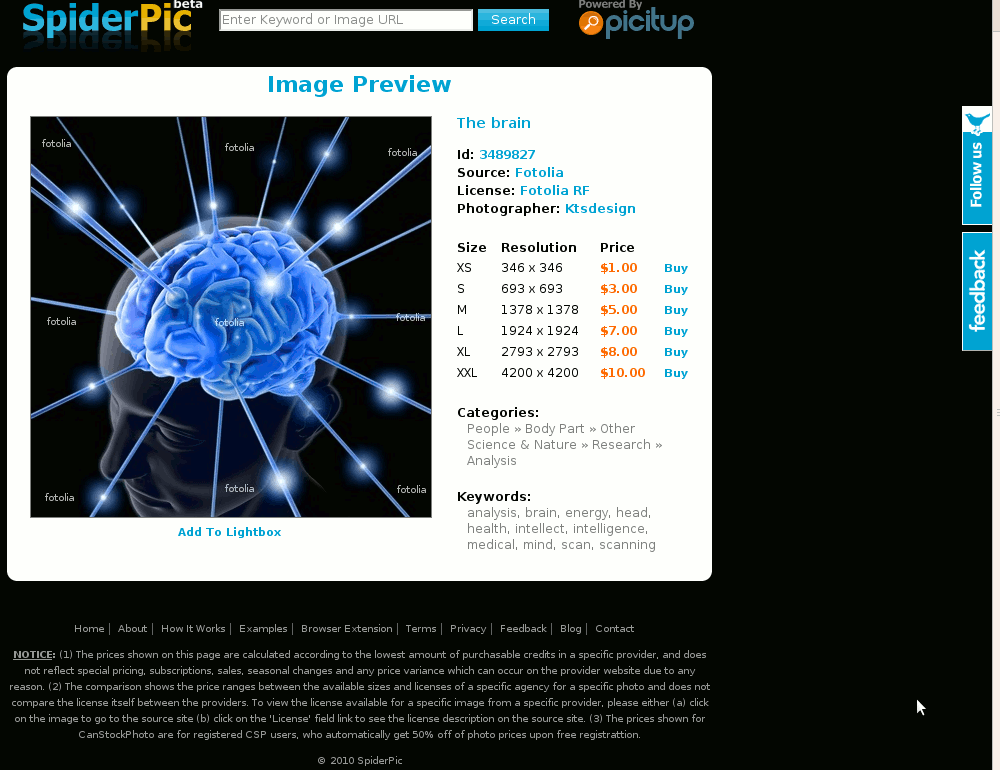
Here is a new search engine for comparing prices and lots of stock images ( the kind professional photographers use). For Prices as low as $1-3 you can test,evaluate and buy very beautiful images to really zing up your marketing collateral as well as client presentations. Here is an example of querying for the word analysis and the images that come in.

Compare these results with the free results in Google Image Search and you can see that it is definitely worth a dekko given the very low prices that are checked here and the multiple websites that are listed.
Google Image Search (free) for the word Analysis

Spider Pic- Options to buy Images for as low as 1$ for your presentation
 DECISION STATS