
Wireshark is the world’s foremost network protocol analyzer. It lets you see what’s happening on your network at a microscopic level. It is the de facto (and often de jure) standard across many industries and educational institutions.
INSTALL
First, we install Wireshark from the terminal.
|
1
|
sudo apt–get install wireshark
|
Source-
http://www.dickson.me.uk/2012/09/17/installing-wireshark-on-ubuntu-12-04-lts/
CAPTURE
Type wireshark from terminal.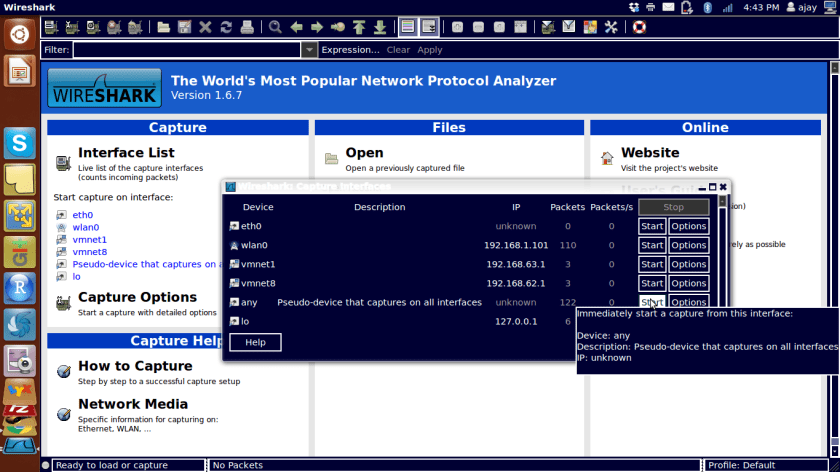
Start capture by looking at Capture Tab and interfaces
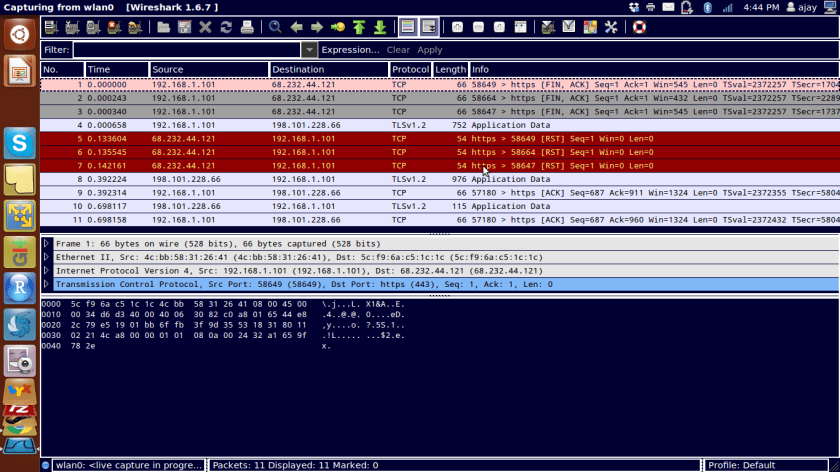
Export data as a csv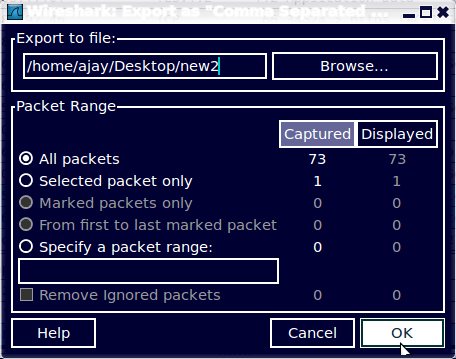
ANALYZE
Import file in R to analyze
(from http://www.statmethods.net/input/importingdata.html )

 DECISION STATS