
Wireshark is the world’s foremost and widely-used network protocol analyzer. It lets you see what’s happening on your network at a microscopic level and is the de facto (and often de jure) standard across many commercial and non-profit enterprises, government agencies, and educational institutions. Wireshark development thrives thanks to the volunteer contributions of networking experts around the globe and is the continuation of a project started by Gerald Combs in 1998.
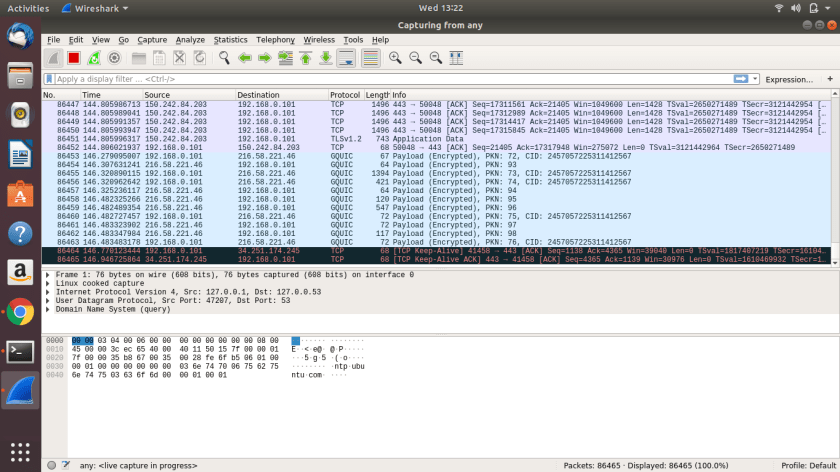
Step 1: Add the stable official PPA. To do this, go to terminal by pressing Ctrl+Alt+T and run:
sudo add-apt-repository ppa:wireshark-dev/stable
Step 2: Update the repository:
sudo apt-get update
Step 3: Install wireshark 2.0:
sudo apt-get install wireshark
Step 4: Run wireshark:
sudo wireshark
If you get a error couldn't run /usr/bin/dumpcap in child process: Permission Denied. go to the terminal again and run:
sudo dpkg-reconfigure wireshark-common
Say YES to the message box. This adds a wireshark group. Then add user to the group by typing
sudo adduser $USER wireshark restart your machine (/sbin/shutdown -r now) and open wiresharkfrom https://askubuntu.com/questions/700712/how-to-install-wireshark

 DECISION STATS